
Short answer
Translate the project before you build it.
Treat ETS as the source of truth. Extract the project structure, verify group addresses and DPTs, turn them into a room-and-device model, and review that model before creating anything in Composer Pro.
The reliable sequence is import → normalize → map → validate → build → test. The integration method can change; that order should not.
What you will solve
Three decisions before Composer
- Which project data must be preserved from ETS.
- Which integration route fits the devices and project size.
- Which checks prevent duplicated or incorrect Control4 objects.
01 / System model
KNX and Control4 describe the same building differently
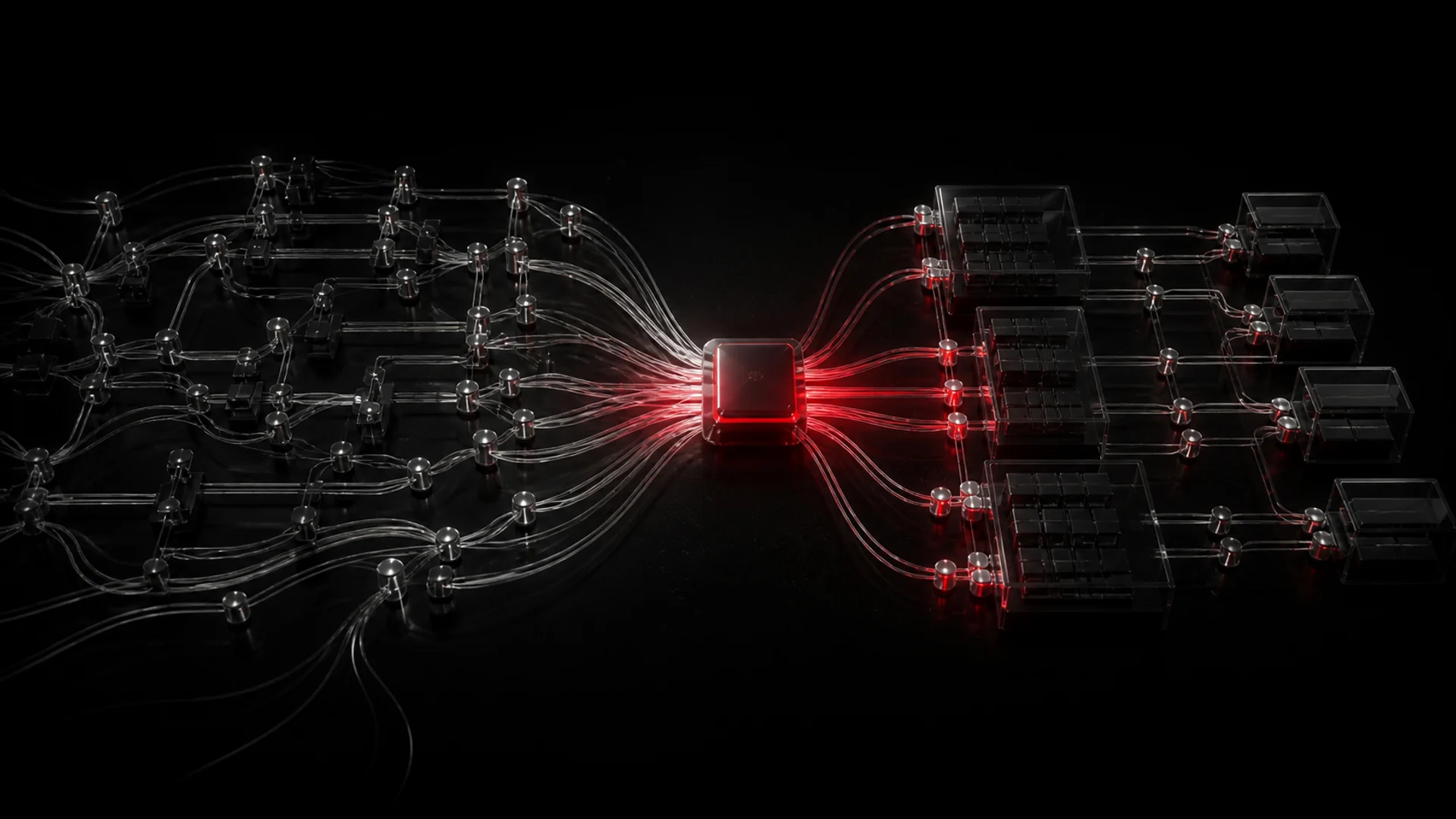
KNX is organized around physical topology, group objects, group addresses and standardized datapoint types. Control4 is organized around rooms, device drivers, connections, properties and bindings. The challenge is not simply moving addresses from one application to another; it is translating one project model into the other.
In ETS, a DPT gives meaning to the payload associated with a group object or group address. A one-bit switch value, a dimming control and a temperature value are not interchangeable. If a DPT is missing or wrong, the address may exist while the value is interpreted incorrectly. That is why a list of addresses alone is rarely enough for a dependable build.
02 / Approaches
Choose the integration route by coverage and reviewability
There is no single correct route for every project. The practical choice depends on the gateway, device mix, quality of the ETS project and how much of the resulting Control4 structure can be reviewed before deployment.
01Manual gateway mapping
Add the required Control4 devices, connect them to the KNX gateway and enter the command and feedback addresses manually. It offers granular control, but the work grows quickly and every copied value is another opportunity for error.
Best for: small projects, exceptions and custom logic.02Vendor or official importer
Control4 introduced a KNX ETS Project Import Wizard for its KNX offer and specific supported third-party devices. It can accelerate compatible projects, but coverage must be checked rather than assumed for a mixed-brand installation.
Best for: projects that closely match the supported catalogue.03Project-aware preparation
Parse the .knxproj, preserve topology and DPT context, normalize names, map rooms and devices, then approve a visible build plan before Composer creates anything.
03 / Failure modes
Most integration failures start as small data mismatches
A wrong DPT, missing feedback address, duplicated room, inconsistent name or stale binding may look minor in isolation. Repeated across a large project, these issues make testing slow and future maintenance uncertain.
Changes are another risk. ETS can evolve after the first Control4 pass. Without a clear source of truth and a repeatable comparison step, integrators end up guessing whether to update, duplicate or leave an existing object untouched.
Field checks
Pause the build when any of these are unclear
Does the payload mean what the target driver expects?
Verify the DPT at the group address and linked objects; do not infer it from a name.
Can Control4 both act and recover the real state?
Separate write, status and percentage addresses where the KNX design requires it.
Will this create a device that is already in Composer?
Compare the proposed build with the current project before creating new objects.
04 / Workflow
Review before build, then commission on the real system
A robust workflow separates preparation from deployment. That gives the integrator a point where names, rooms, device types, line assignments, addresses and conflicts can be corrected without leaving partial objects inside Composer.
Inspect the ETS source
Confirm project access, topology, device catalogue data, group objects, addresses and DPT coverage.
Approve the proposed Control4 model
Review floors, rooms, supported device types, names, feedback paths and any unresolved mappings.
Build once, then test deliberately
Create the approved objects, inspect the build report and verify commands, feedback and edge cases onsite.
05 / Automation
Use AI to structure ambiguity, not to skip engineering
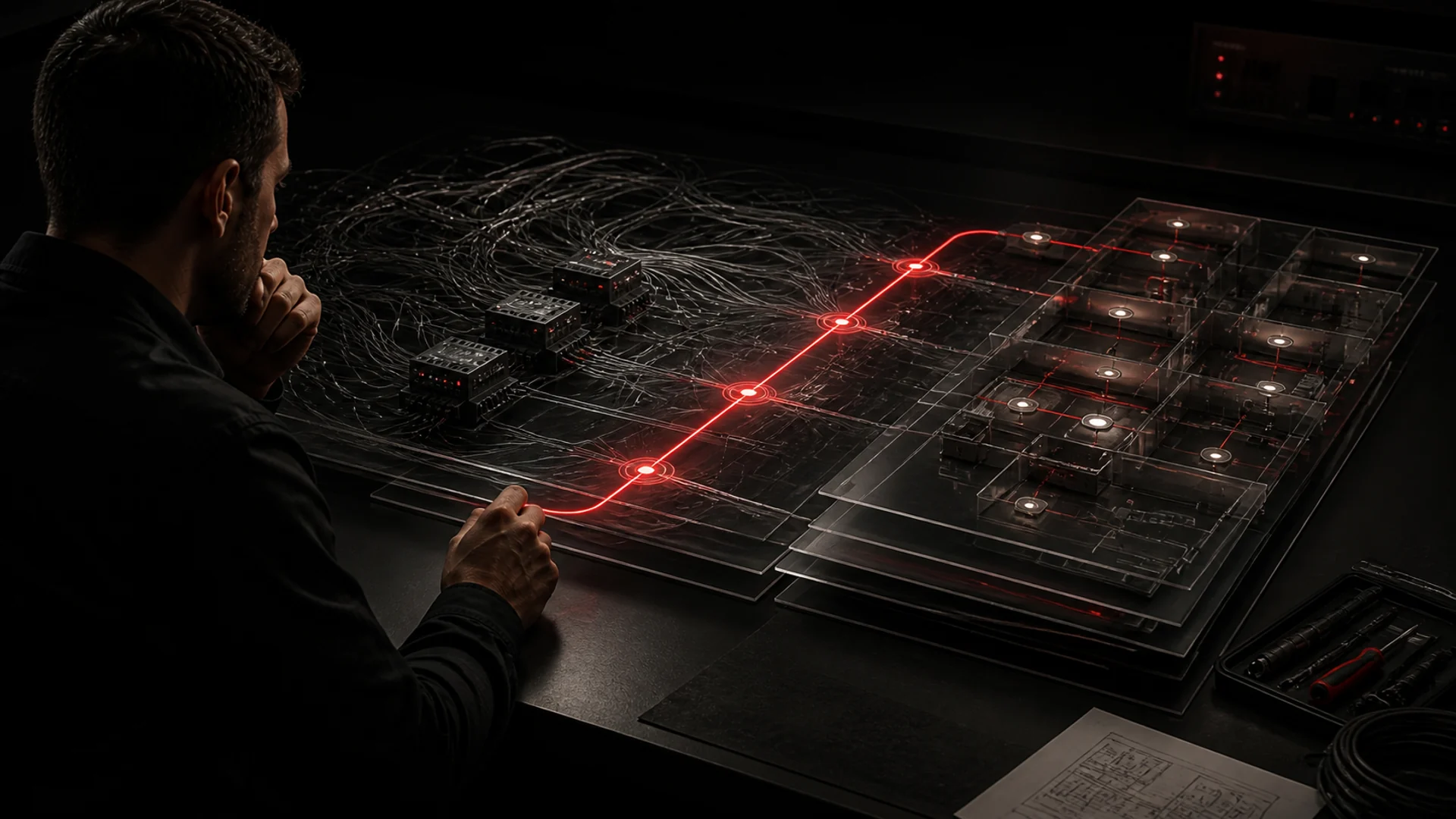
AI is useful where project data is rich but inconsistent: classifying room and device names, relating group-address patterns, proposing subtypes, spotting incomplete feedback paths and translating project terminology. The important word is proposing. Every result must remain visible and editable.
CoduWorks processes the complete .knxproj into a reviewable Control4 structure. You can import, process with AI, edit and review the project for free. A license is requested only when exporting the .codu build package, and one free project license is included so an integrator can test the full workflow.
Watch the actual flow
From ETS import to a reviewed build package
Upload the project, inspect its KNX context, process it, review rooms and devices, make corrections and export only when the proposed structure is ready.
06 / Integrator judgement
What should remain manual
Final device selection, unusual HVAC logic, non-standard feedback behaviour, legacy installations and commissioning on the live bus still need an experienced integrator. Automation can prepare a coherent project, but it cannot observe every physical edge case or decide the intended user experience for the building.
Keep the final validation in Composer Pro and on site: verify connections, issue real commands, confirm feedback, test recovery after restart and document any deliberate exception to the mapping rules.
07 / Maintenance
Design the integration for the next ETS change, not only the first build
A completed installation is rarely static. Names change, rooms are reorganized, devices are replaced and group addresses are extended. Keep the ETS project as the authoritative source, retain the approved mapping and compare each new import against the existing Control4 project before applying changes.
That comparison should make additions, edits, conflicts and possible duplicates explicit. A repeatable update path is what turns a fast initial integration into a maintainable system that another integrator can understand later.
Keep this sequence
Source of truth first. Visible plan second. Build last.
- Preserve group objects, addresses, DPTs and topology from the ETS project.
- Check importer coverage against the actual device mix.
- Review names, rooms, command paths, feedback and duplicates before Composer.
- Use AI for proposals and bulk preparation; keep approval and commissioning human.
08 / Conclusion
The best integration is the one the next person can safely change
KNX and Control4 can form a dependable system, but reliability comes from more than making the first command work. Preserve the source context, expose the translation, validate the proposed structure and document the exceptions. Whether the preparation is manual or AI-assisted, the goal is the same: a build that is accurate today and understandable when the project evolves.
Primary references
